
Data masking for databases, enterprise apps and documents

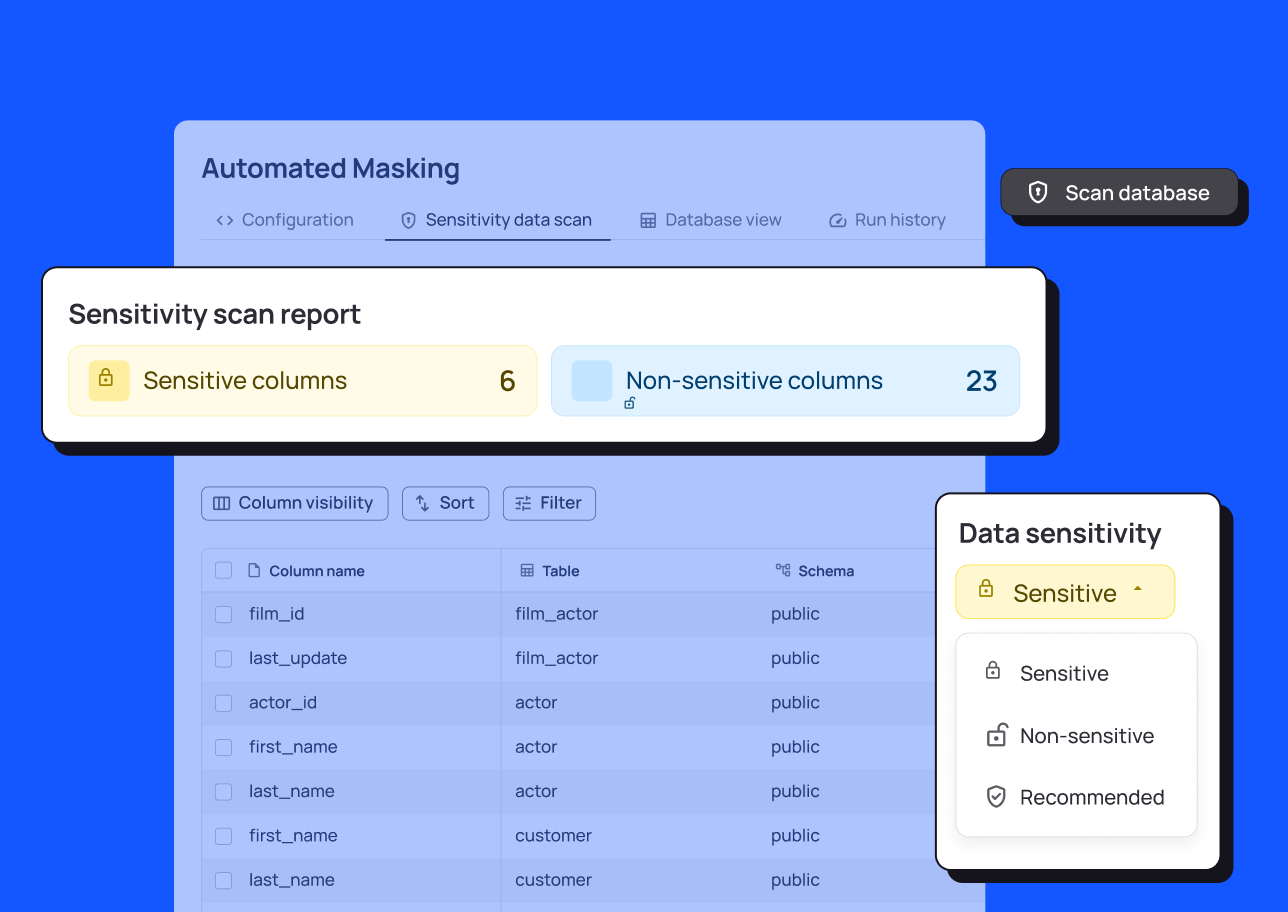
Most teams that copy production data into development and test environments understand the need to mask sensitive information. The real challenge lies in accurately identifying that data and consistently masking it at scale.
Most masking solutions lack the context to distinguish between sensitive and operationally critical data, and they stop at the database, while personal data also sits in PDFs, emails, tickets and notes. As a result, teams face a trade-off between unnecessary data exposure and unstable non-production environments.

AI-powered PII detection, system by system

Masking that knows what not to touch

In your control, always

Built into your workflow, not added on top

Organizations using Synthesized report delivery cycles running up to
70% faster
with test environments provisioned in minutes rather than the days manual refresh approaches require.
What Synthesized brings to data masking
Compliance is encoded into policy rather than maintained manually, and the same policies apply to documents and free text. New fields and tables are covered as they appear. And provisioning times drop from days to minutes, with storage footprints up to 99% smaller than those of full-database copy approaches.

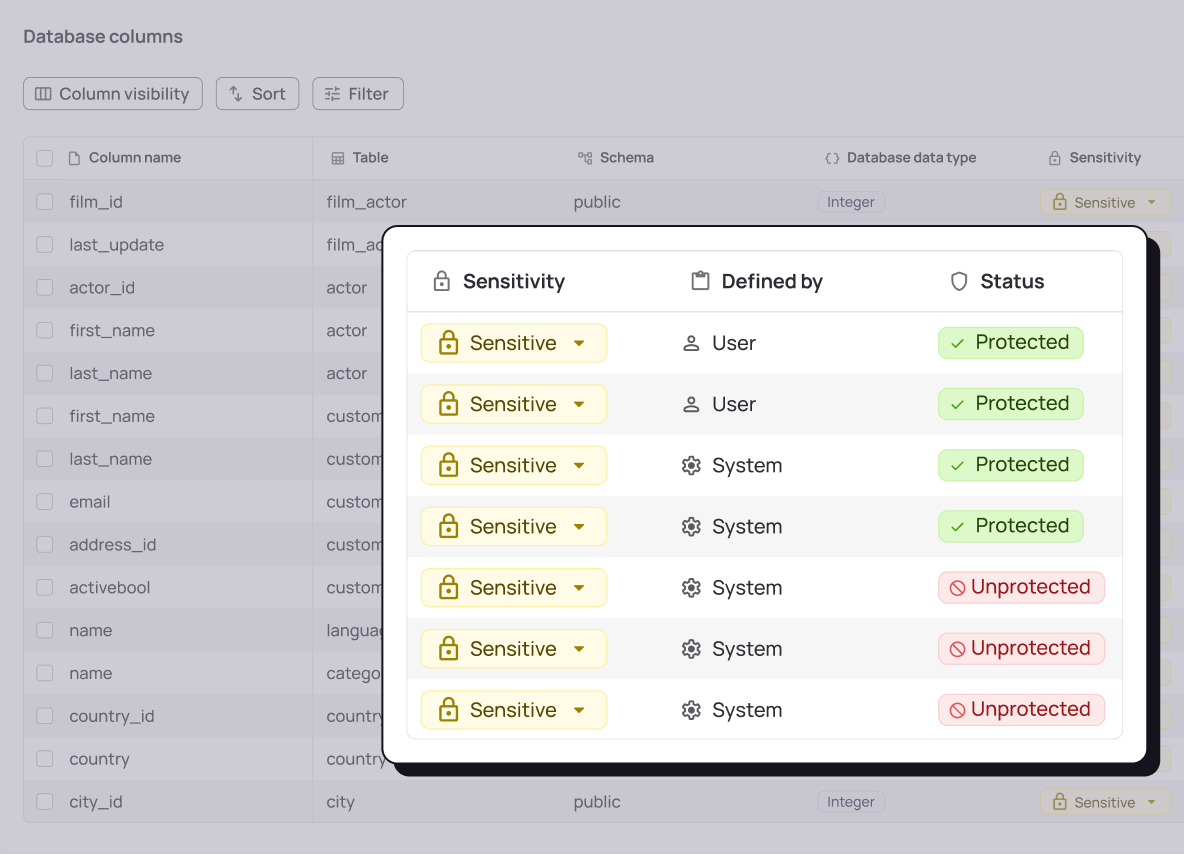
One platform, every system

Data masking FAQ
What is data masking?
Data masking replaces sensitive values, such as names, addresses, account numbers and national IDs, with realistic substitutes so data can be used outside production. Good masking keeps formats, keys and relationships intact, so applications and tests behave as they would with real data. Synthesized masks databases, enterprise applications and documents, and gives the same value the same replacement every time.
What is the difference between static and dynamic data masking?
Static data masking changes the data itself: it writes a masked copy for development, testing or analytics, so the original values never reach those environments. Dynamic data masking leaves stored data unchanged and hides values at query time, depending on who is asking. For test environments, static masking is the usual choice because real values are not in the copy at all. Synthesized masks stored test data.
How is data masking different from anonymization and synthetic data?
Masked data is still derived from real records. If it can be linked back to a person using additional information, it is pseudonymised and remains personal data under GDPR (Art. 4(5), Recital 26). Anonymised data can no longer be linked to anyone. Synthetic data is generated rather than copied, so it holds no real records. Many teams mask what they must keep and generate the rest.
How do you keep referential integrity when masking data?
Use deterministic masking: the same input always produces the same output, across tables, runs and environments. Synthesized keeps primary keys stable so foreign keys stay valid, follows the relationships declared in the database, and lets you define virtual foreign keys where none are declared. Across SAP and connected systems, one customer gets one replacement everywhere, so joins and end-to-end processes still work.
Can you mask PDFs, documents and free text?
Yes. Synthesized detects personal data in PDFs, Word and PowerPoint files, emails, chats and notes using patterns and surrounding context, then replaces, tokenizes, redacts or keeps each category according to your policy. One person keeps one replacement across a document set. Scanned pages go through OCR, which is less reliable on handwriting. See unstructured data masking, or prove it on 50 of your own documents in 48 hours.